
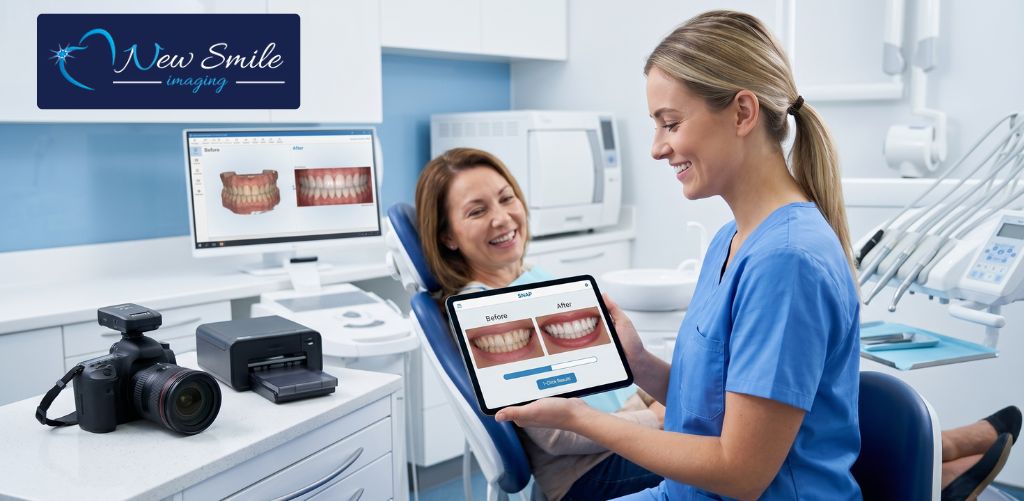
In a busy dental practice, time is the ultimate currency. When patients ask about cosmetic procedures like veneers, whitening, or alignment, showing them a visual result is the most powerful way to secure a booking. However, traditional imaging software often feels like an administrative burden, requiring tedious tracing, complex tools, and precious minutes that dental assistants simply do not have during a standard appointment.
The absolute quickest way for dental assistants to create realistic before and after smile previews is by utilizing cloud-based dental simulation software powered by SNAP.
Instead of forcing your staff to navigate cumbersome editing programs, this streamlined technology allows dental assistants to capture a quick photo and generate a flawless, real-world cosmetic simulation in less than 60 seconds. It integrates effortlessly into your existing hygiene workflow, serving as a powerful patient education tool rather than an extra chore.
The 60-Second Workflow: Step-by-Step
By integrating virtual smile makeover software into regular cleanings and exams, the clinical staff can provide a free smile evaluation photo to virtually every patient without falling behind schedule.
Here is exactly how simple the procedural workflow is for a dental assistant:
1.Capture a Standard Photo:Takes 10 seconds.
During a routine cleaning or evaluation, use a digital camera or tablet to take a clear, front-facing portrait of the patient smiling naturally.
2.Upload to the Cloud Software:Takes 10 seconds.
Open the secure, cloud-based dental imaging software on your clinic device and upload the photo directly into the patient’s digital file.
3.Apply the SNAP Simulation:Takes 30 seconds.
Select the desired cosmetic treatment goal, whether it is whitening, closing gaps, or shaping veneers. The software automatically maps the patient’s dental structure and applies a hyper-realistic “after” preview instantly.
4.Print or Email the Results:Takes 10 seconds.
Provide the patient with a printed copy or email the side-by-side comparison directly to them so they can share the visual transformation with their spouse, family, and friends.
Eliminating the Friction Points
Many dental assistants worry that introducing smile design tools will disrupt their day. Cosmetic imaging for dental practices has historically been notorious for steep learning curves.
This modern approach eliminates that friction entirely:
-
Zero Complex Editing: There is no manual pixel manipulation or manual shading required. The automated system handles the heavy lifting, ensuring consistency across every simulation.
-
Accessible from Any Operatory: Because the system is entirely cloud-based, assistants can upload a photo in one operatory, apply the simulation, and pull it up instantly on the consultation screen in another room.
-
A Natural Conversation Starter: Offering a complimentary simulation during a standard prophy or checkup changes the dynamic from a sales pitch to an exciting, visual evaluation.
When patients leave the office holding a realistic preview of their future smile, it dramatically accelerates their decision-making process. For dental assistants, it provides a fast, stress-free path to elevate patient care, boost cosmetic treatment acceptance rates, and drive practice revenue without adding weight to the daily schedule.
Ready to see it in action? Your practice can explore this lightning-fast workflow firsthand. Head over to our website to download a FREE demo by visiting https://newsmileimaging.com/free-demo/ and experience how easily instant smile simulations fit into your team’s day.